
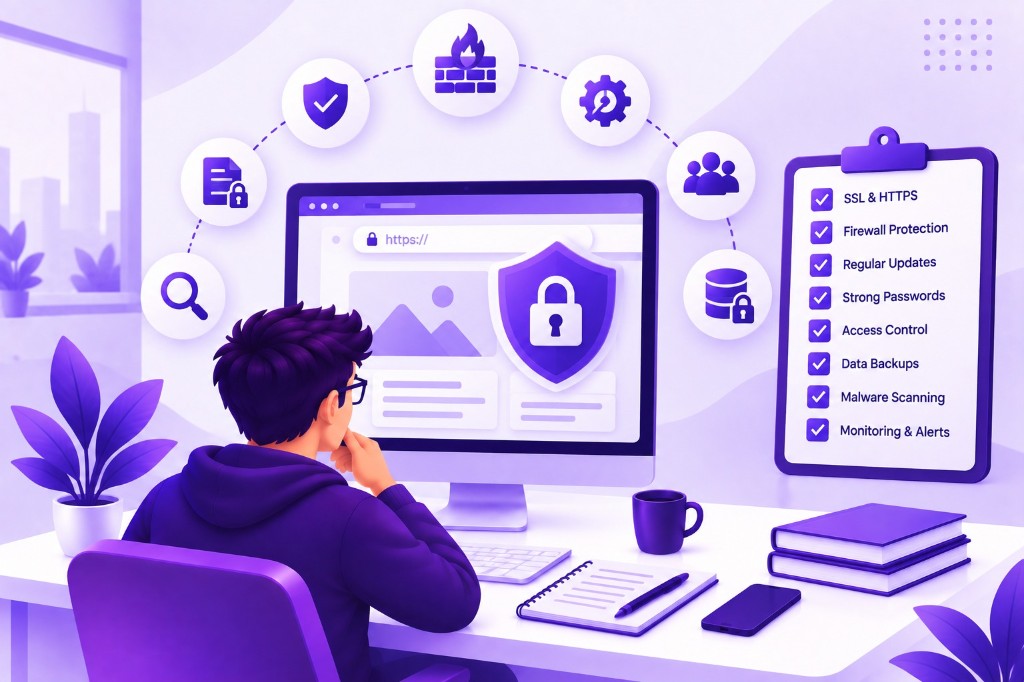
Business websites vary widely. A brochure site, an ecommerce store, and a customer portal do not expose the same functions or information. Define the review scope before collecting tools or scan results. Include the hosting environment, content management system, integrations, and administrative accounts that support the public pages.
Inventory the system and its owners
Record the domain, hosting provider, application components, plugins, and important external services. Identify who controls each administrative account and how access is recovered. An undocumented account or abandoned integration can remain a dependency long after the person who configured it has left.
Map sensitive information and consequential actions. Note where customer records, uploaded files, payments, or account changes pass through the system. This helps prioritise the review. A rarely used endpoint that exposes private documents may deserve more attention than a visible page with a minor presentation issue.
Review authentication and administrative access
Check that accounts are individual, permissions reflect responsibilities, and access is removed when no longer needed. Use strong authentication options appropriate to the platform, particularly for administrators. Review account recovery as well as login; a weak recovery route can undermine otherwise careful access controls.
Avoid giving every employee full administrative privileges for convenience. Confirm how service accounts and integration credentials are managed. Document the process for changing ownership when staff or suppliers change. Access review should be a recurring activity because the organisation and its responsibilities will evolve after launch.
Verify authorisation beyond the interface
Authentication identifies a user; authorisation determines what that user may do. A portal must check access to records and actions on the server, not only hide buttons in the interface. Test whether a user can request another account's information by changing an identifier or calling an endpoint directly.
Include different roles and realistic workflows in the review. Approval, export, file download, and account-management functions may have distinct rules. OWASP's Application Security Verification Standard offers a structured reference for application security requirements. Use an appropriate scope rather than treating a completed automated scan as a comprehensive assessment.
Maintain components and configuration
Keep track of the application framework, CMS, plugins, and third-party libraries. Establish how updates are assessed, tested, and released. Unsupported components and unnecessary plugins increase the burden of maintenance. Remove unused functionality through a controlled change rather than leaving it active indefinitely.
Review production configuration. Check whether debug information, test accounts, or unnecessary services are exposed. Ensure credentials are not included in client-side code or public repositories. Configuration should be repeatable and documented so a replacement environment does not depend on someone reconstructing settings from memory.
Check inputs, uploads, and data exposure
Treat information received from users and external systems as untrusted. Validate it according to the task and handle errors without revealing sensitive internals. File uploads deserve explicit rules for permitted types, size, storage, and access. A file should not become publicly accessible merely because it was successfully uploaded.
Review what the website logs and returns in responses. Troubleshooting data can accidentally expose personal details or credentials. Limit collection to what is useful and establish retention and access practices appropriate to the business. Security review should consider the information left behind during normal operation, not only the visible user journey.
Test backup and recovery arrangements
A backup is useful only if the business can restore what it needs. Identify which data and configuration are covered, how often copies are made, and who can access them. Perform a controlled restoration test and document the result. A successful backup notification is not evidence that recovery has been demonstrated.
Agree recovery priorities with the business. Some information changes frequently, while other content can be recreated more easily. Understand the acceptable interruption and potential data loss for important workflows. Those decisions guide the recovery arrangement and make incident response more practical when time is limited.
Monitor and respond to problems
Define which events deserve attention, who receives alerts, and how they investigate. Failed logins, unusual access patterns, and application errors may be relevant depending on the system. Avoid collecting alerts that nobody reviews. Monitoring has value when it leads to an appropriate action.
Keep an incident contact list and a clear escalation route. Know who can disable an integration, revoke access, or restore service. Record findings from reviews with an owner, priority, and verification step. Remediation is not complete until the team checks that the change addresses the original issue without breaking required behaviour.
Review checklist
- System components, external services, and owners are documented.
- Administrative access and account recovery are reviewed regularly.
- Record-level permissions are checked on the server.
- Dependencies and production configuration receive ongoing maintenance.
- Uploads, logs, and stored information have deliberate access rules.
- Recovery has been tested and findings have accountable owners.
Assign a named owner and a review date to every unresolved finding. Record the affected asset, the proposed action, and how completion will be verified. A checklist becomes useful when findings lead to tracked changes; a completed spreadsheet alone does not demonstrate that a control works.
Frequently asked questions
Does HTTPS mean the website is secure?
No. HTTPS protects the connection in transit, but it does not establish that application permissions, stored data, dependencies, or administrative accounts are handled correctly. It is one important control within a broader review of the system and its operation.
Is an automated vulnerability scan enough?
No. Scanners can identify some issues, but they may not understand business rules or complex access relationships. Combine appropriate automated checks with review and testing of the application's actual behaviour. The depth of assessment should reflect the system and its potential consequences.
How often should security be reviewed?
Use a recurring schedule appropriate to the system and review significant changes before relying on them. New integrations, roles, payment flows, and major updates can alter risk. Security is an ongoing operating responsibility rather than a one-time certificate obtained at launch.
Sources and further reading
Official documentation for the technical topics discussed in this guide.